 FluentSprout
Learning
Make your own lesson versions (your own AI key)
This is optional. If you have an API key for OpenAI (ChatGPT), Google Gemini or Anthropic (Claude), you can make extra versions of any lesson: fun, story, game, serious, kids or travel, with an optional theme such as "cricket" or "cooking".
Add your key
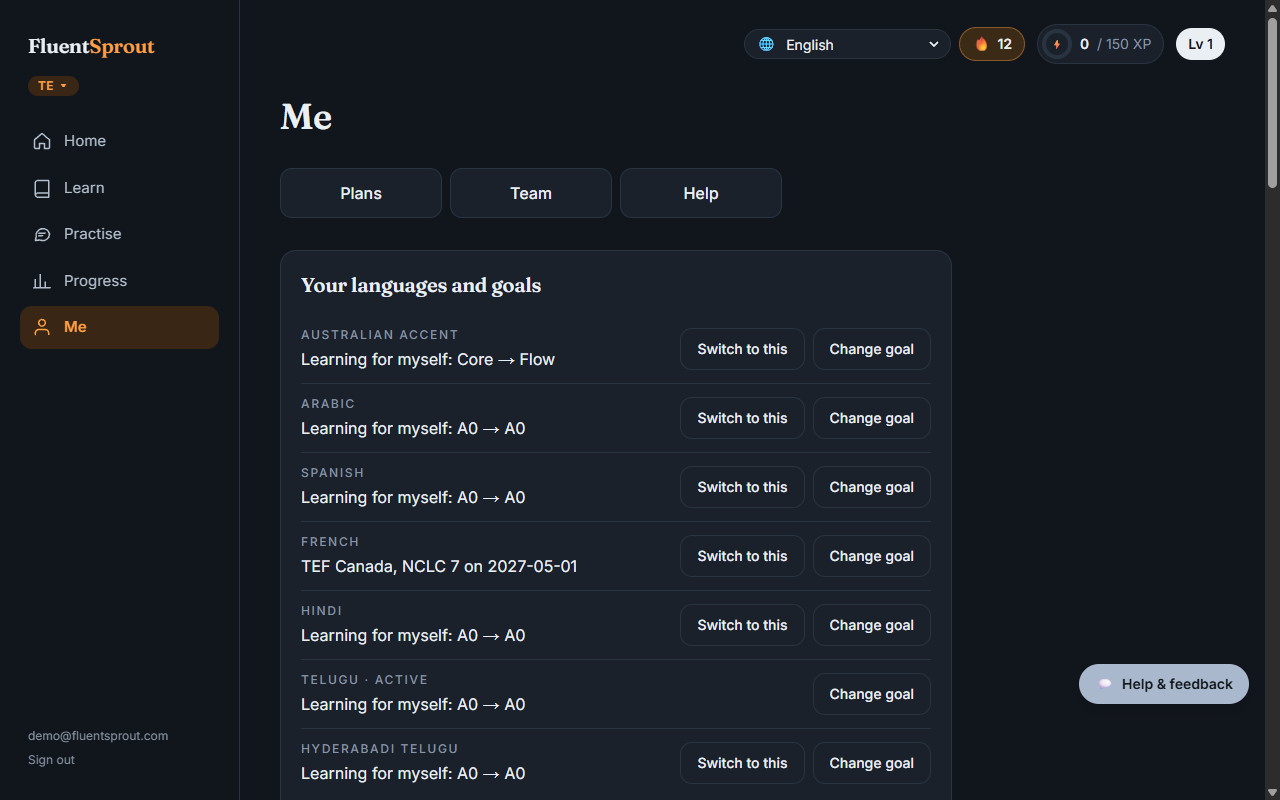
Me → More settings → Your AI: choose the provider, paste your API key, Save key. We check it works, store it encrypted, and only ever show its last four characters. Remove it any time.
Your provider bills you for what you use. We don't resell or proxy any AI service.
Make a version
On a lesson's start screen, tap ✨ Make a version, choose a style and an optional theme, and tap Make it. It takes up to a minute.
Each version keeps the lesson's words and grammar; only the situations and characters change. We check it before you see it (structure, all the lesson's words, no links or code). Only you see it. Up to 10 versions a day.
Make your own course
Want a language or dialect we don't teach yet, or your own topics? In Me → More settings → Make your own course:
- Tap Copy instructions for ChatGPT and paste them into ChatGPT (or any AI).
- Write the language or dialect and the topics you want, and send.
- Paste the reply into the box (or upload it as a file) and tap Create my course.
FluentSprout turns it into full lessons with practice and a check at the end. Only you can see it. Use Export to keep a copy and Replace to upload a new version. AI writes it, so check anything important with a teacher or native speaker.
More in Learning: Lessons, checks and levels, First words, badges and what you've learned. All help articles. Still stuck? Email support@fluentsprout.com.