 FluentSprout
Learning
Lessons, checks and levels
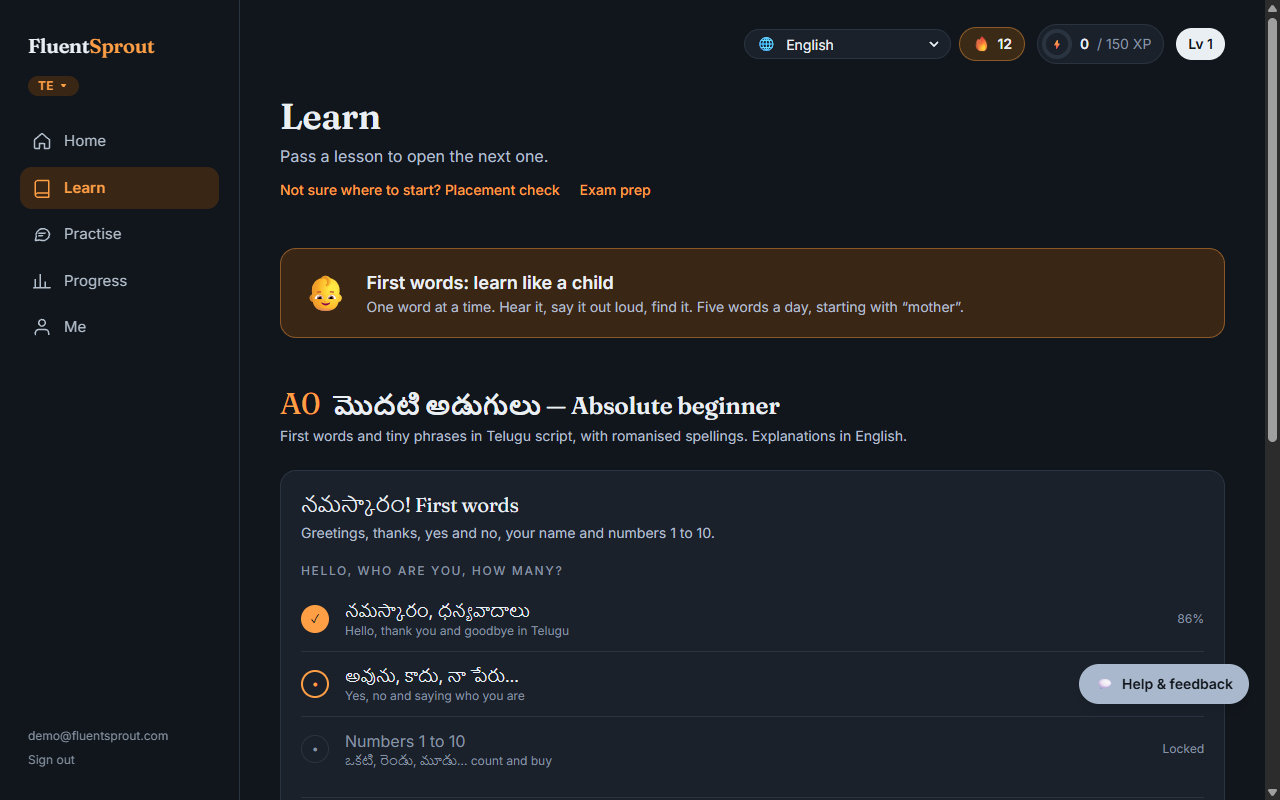
How a lesson works
Every lesson has three parts:
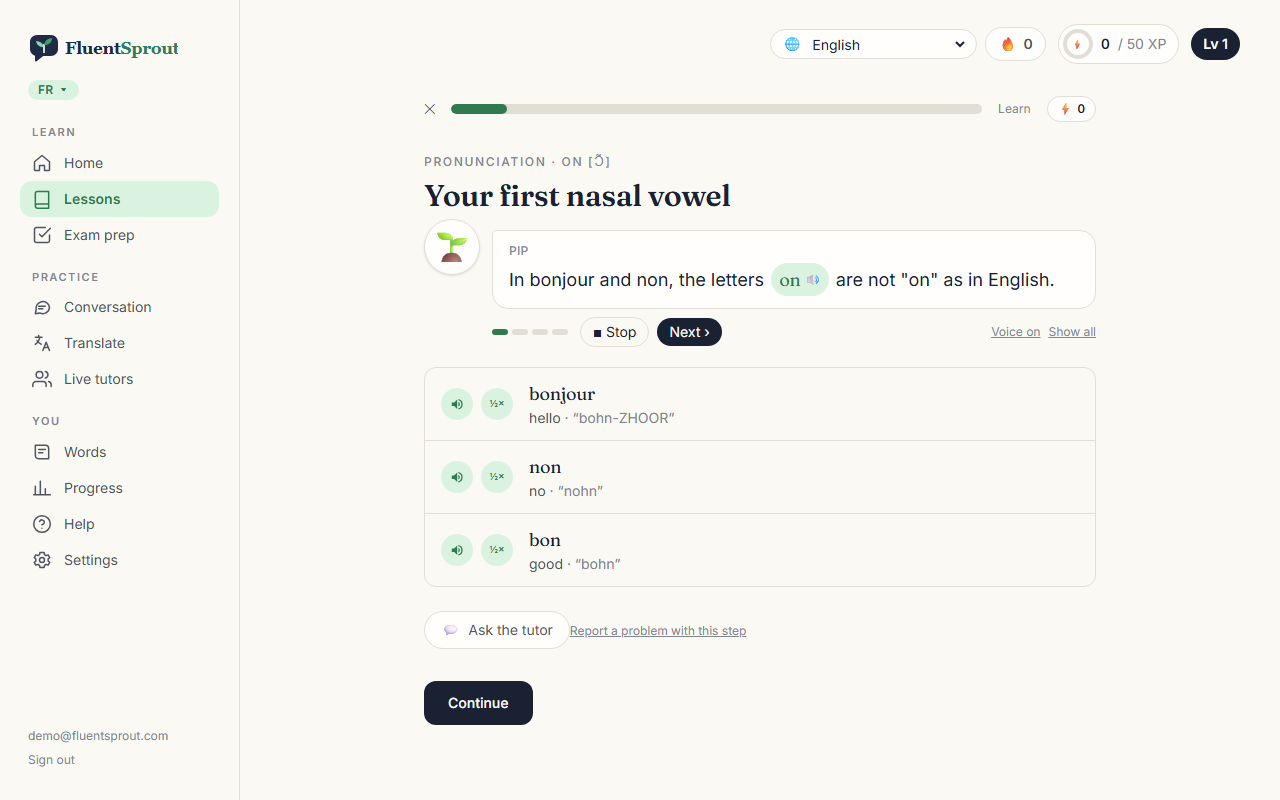
- Learn: new words with audio and pictures, short dialogues, and a pattern explained simply.
- Practise: exercises of different kinds: pick the meaning, type what you hear, put words in order, match pairs, pick the right picture, speak a phrase.
- Check: a short assessment on what the lesson taught.
Tap any 🔊 button to hear it. Tap ½× to hear it slowly.
Your guide
Pick a guide in Me → Your guide: Sprig, Bruno, Coco, Lumi, or no guide. Your guide explains each step one short line at a time and reads it aloud. Tap a green word to hear it in the language you're learning. Next › moves on, Show all lists every line, and Voice on/off mutes it.
Left a lesson halfway?
Open it again and you continue at the step where you stopped. Tap Start over to begin again.
Not sure where to start?
On Learn, take the placement check: about 18 questions across all levels. We suggest a level and you switch to it in one tap. Earlier lessons stay open for review.
Why you can't just click through
Score 80% or more on the check to open the next lesson. Each module and level ends with a bigger exam, so every lesson builds on what you know.
Stuck on an answer?
- Ask the tutor explains the exercise in your own language. It won't give away answers during a check or an exam.
- I think my answer is right asks the tutor to review a typed answer that was marked wrong (once per answer). In practice, an accepted answer is corrected; in a check, you earn the XP and we review the exercise.
Spotted a mistake?
Tap Report a problem with this step under any exercise (wrong answer key, typo, audio, unclear). We check every report and fix the lesson.
Lesson styles
Some lessons come in more than one style (standard, fun, serious). Pick your favourite in Me → More settings → Personalise, or switch on the lesson's start screen. With your own AI key you can make new versions: see "Make your own lesson versions".
"Early version" notice
Some courses show Early version at the top of Learn. Their lessons are written with AI and checked automatically, but a native speaker hasn't checked them yet. If something sounds off, tap Report a problem with this step or email support@fluentsprout.com. The notice goes away once a native speaker has reviewed the course. First words shows the same note for its word list.
Featured videos
Your home page shows a few free, hand-picked video lessons for your language. They're our picks; nobody paid for them. If a video is ever sponsored, it says Sponsored.
Review
Words you've learned come back in Practise → Review words just before you'd forget them (spaced repetition).
More in Learning: Make your own lesson versions (your own AI key), First words, badges and what you've learned. All help articles. Still stuck? Email support@fluentsprout.com.