 FluentSprout
Getting started
On your phone, and fixing common problems
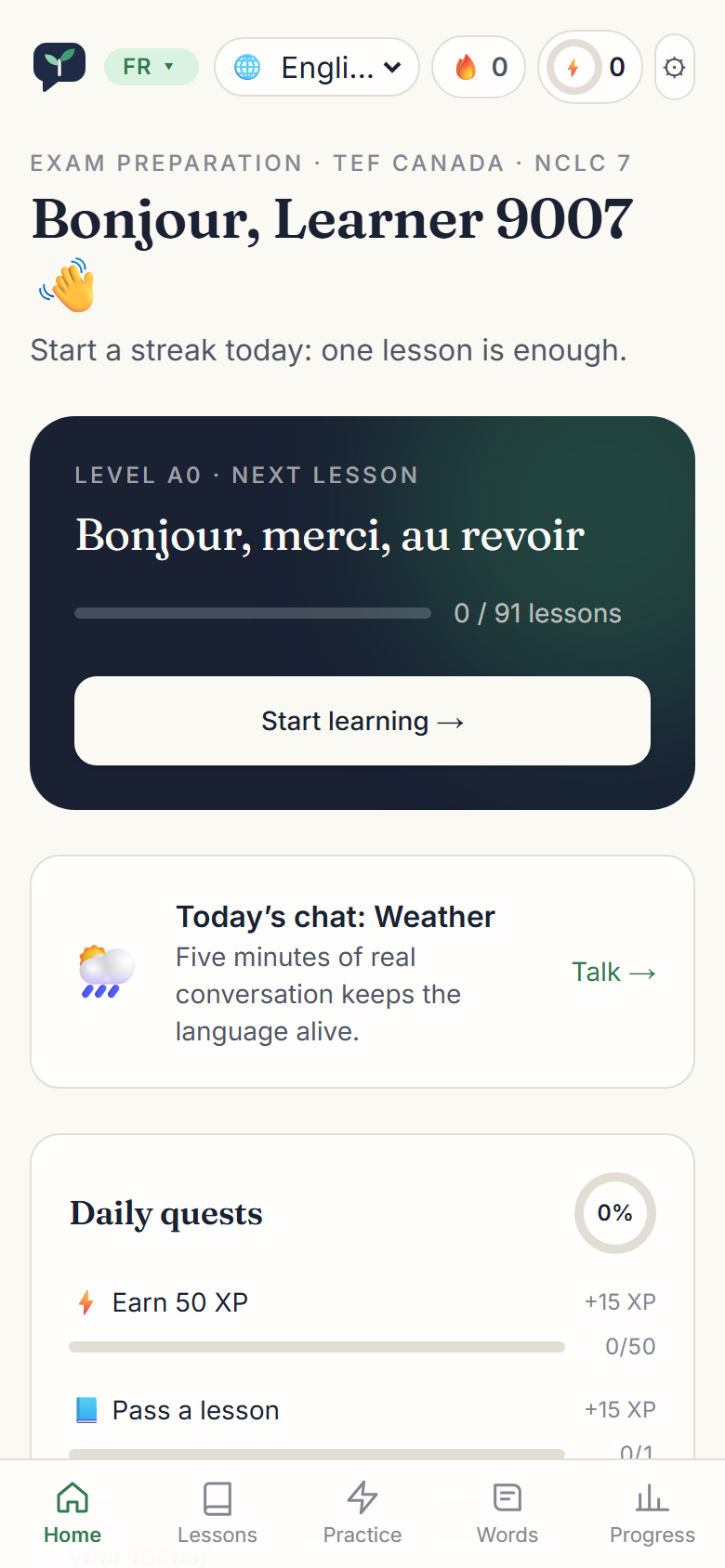
Android: install FluentSprout: Learn Languages from Google Play and sign in with the same account. Your progress is the same on the web and in the app. Lessons you have already opened work offline. Organisation sign-in, team admin and live tutors are on the web only for now.
iPhone: an app is coming soon. Until then, open FluentSprout in Safari, tap the Share button, then Add to Home Screen. It opens full screen, like an app.
FluentSprout also works in any phone, tablet or computer browser.
# Fixing common problems
The microphone doesn't work. Allow microphone access for the site in your browser's settings (the padlock or "aA" next to the address). On iPhone use Safari; on Android use Chrome.
I can't hear audio. Check your phone isn't on silent, and tap a 🔊 button once (browsers only play sound after a tap). If our voice is unavailable, your device's own voice is used instead.
The sign-in link says it expired. Links last 20 minutes and work once. Request a new one. Check your spam folder if it doesn't arrive.
"You've reached today's limit". Some features have a daily fair-use limit. It resets tomorrow.
Still stuck? Email connect@genzers.tech.
More in Getting started: Getting started. All help articles. Still stuck? Email support@fluentsprout.com.