 FluentSprout
Practice
Translate tools
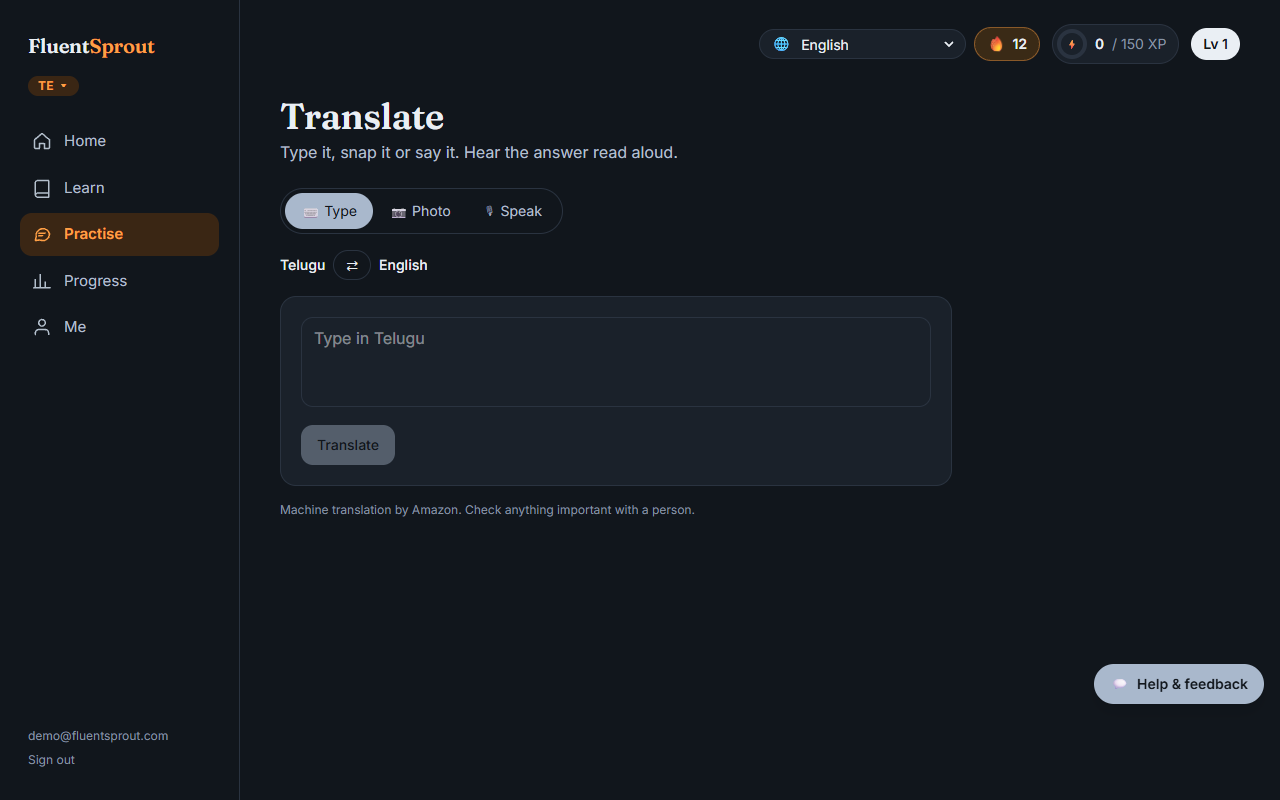
Open Practise → Translate. It works between the language you're learning and your own language.
- ⌨️ Type: type a sentence and press Translate. Tap ⇄ to switch direction.
- 📷 Photo: take or choose a photo of a sign, menu, form or letter, and each line is translated into your language. It reads printed text in Latin-script languages (English, French, Spanish, German, Italian, Portuguese), not handwriting. Good light helps.
- 🎙 Speak: tap the microphone, speak, tap again. You see what we heard and the translation, which is read aloud.
Tap 🔊 next to any result to hear it, and + Save to keep it: saved words appear under Practise → My words, with audio, and come back in your word review.
Translations are machine-made, so check anything important with a person. Each tool has a daily limit.
More in Practice: Conversation, speaking, listening and writing practice. All help articles. Still stuck? Email support@fluentsprout.com.